





How YoursToOpen works
From your idea to their moment—in a few thoughtful steps.
Choose an experience, make it unmistakably personal, preview the exact opening, then share it privately by link or QR.
- Publish as a guest
- Private link + QR
- Preview before sharing
- No app for recipients

 Ready to shareScan to open yourstoopen.com
One clear flow
Simple to make. Lovely to receive.
Every format follows the same dependable path, while its opening, pacing, and ending still feel made for the occasion.
-
Step 01Choose
Start with the feeling
Choose an experience
Begin with the kind of moment you want to create—a gift, proposal, invitation, letter, gratitude note, apology, or playful reveal.
Compare all ten experiences -
 Step 02Create
Add what only you know
Make every detail yours
Write their name and your message, then shape the details for the experience. Sign in only if you want to add the account’s available photo.
-
 Step 03Preview
See it through their eyes
Preview the complete opening
Open and replay the phone-first recipient journey. Check the words, pacing, and reduced-motion version before anything is shared.
-
 Step 04Share
Choose the perfect handoff
Publish a private link and QR
Publish the core experience as a guest, then send the link directly or place its QR on a card, tag, invitation, or wrapped gift.
-
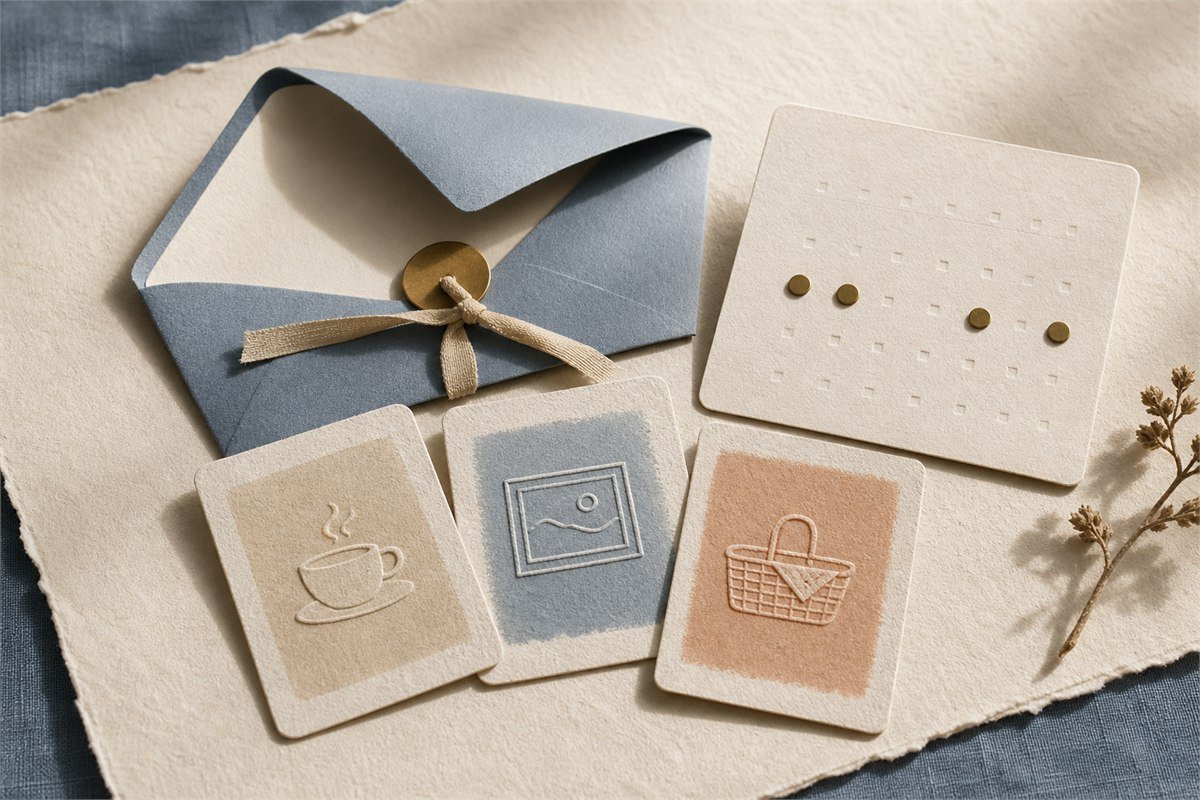 Step 05Open
Give them one focused moment
They reveal, read, and respond
They open everything in their browser—no account or app. Experiences with a reply explain exactly what the creator can see before an answer is sent.
A thoughtful handoff
Quiet controls for you. A little magic for them.
The practical details stay close without competing with the message or making an unfamiliar link feel uncertain.
Stay in control
- Preview and replay before publishing.
- Keep the edit capability for immediate management.
- Revoke or delete when the reveal should stop opening.
Open with confidence
- Recognizable YoursToOpen identity and official domain.
- No recipient login, payment, or app download.
- Clear privacy, safety, and help access throughout.
Accounts are optional
Create first. Save more when it helps.
Guest publishing keeps the first experience quick. A Free account keeps one saved experience. PRO keeps up to 20 and unlocks one photo per experience plus longer-term controls. A recipient never needs an account.
Create, preview, and publish the core experience without signing in.
Keep eligible creations together and manage them from one place.
Ten distinct openings
The flow stays familiar. The feeling changes.
From a gift box to a sincere note, each experience has its own meaningful interaction.
Celebrate & revealBirthday gift revealGift-box opening
 Celebrate & revealScratch-to-revealScratch interaction
Make an askValentine proposalQuestion-card reveal
Celebrate & revealScratch-to-revealScratch interaction
Make an askValentine proposalQuestion-card reveal
 Make an askBridesmaid proposalSealed-letter reveal
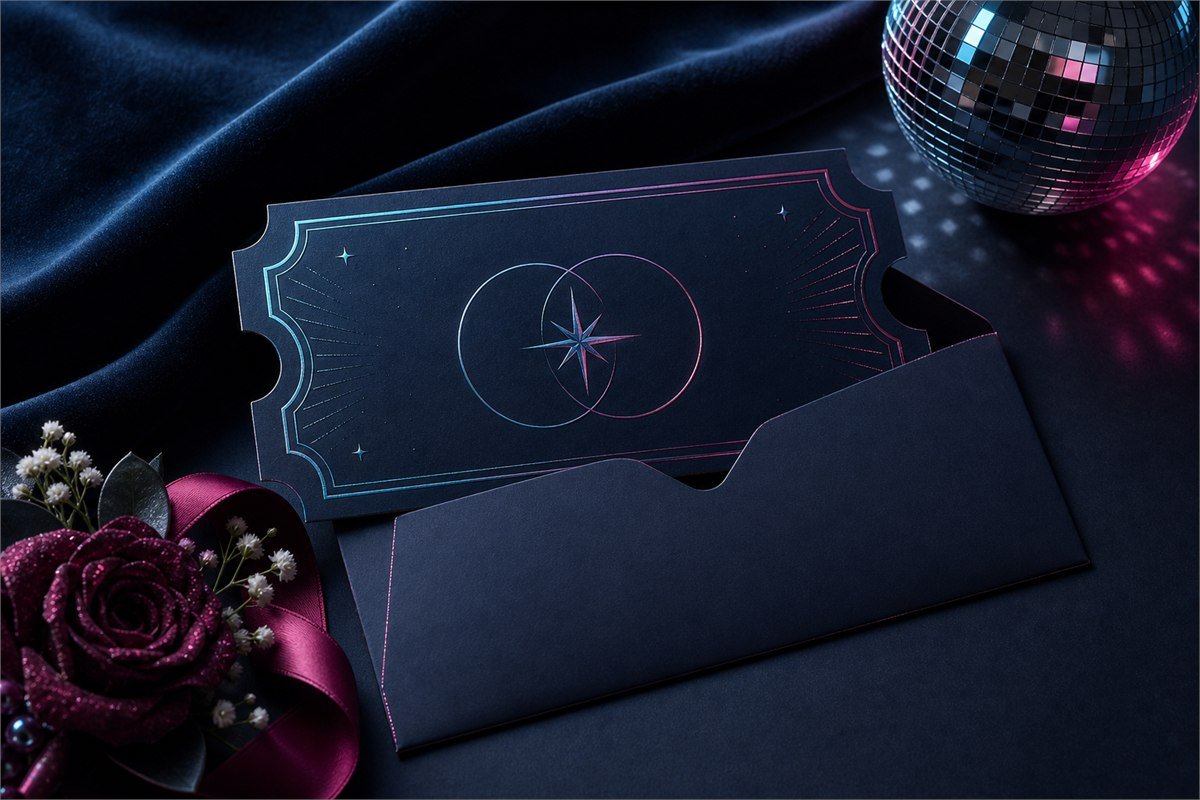 Make an askProm proposalEvent-ticket reveal
Invite & keepDate invitationInvitation reveal
Make an askProm proposalEvent-ticket reveal
Invite & keepDate invitationInvitation reveal
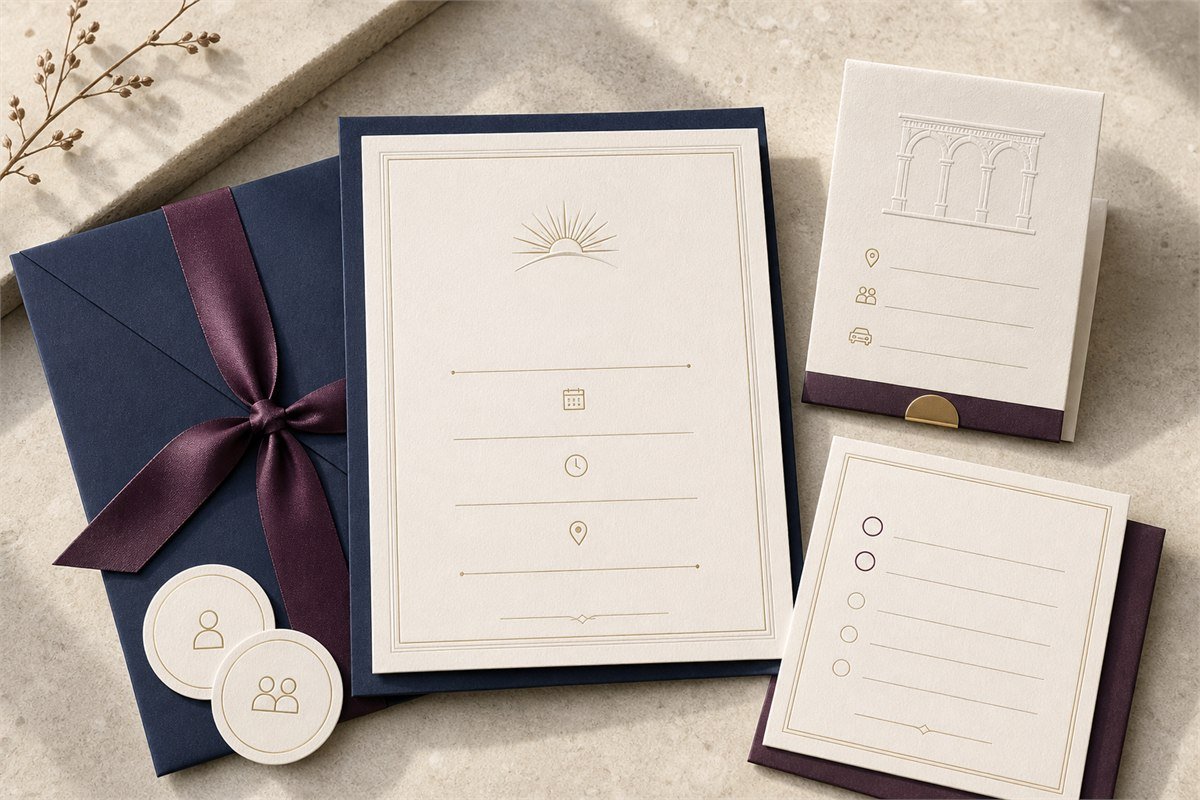 Invite & keepEvent invitation & responseDetails-and-response flow
Invite & keepDigital love letterEditorial story
Invite & keepEvent invitation & responseDetails-and-response flow
Invite & keepDigital love letterEditorial story
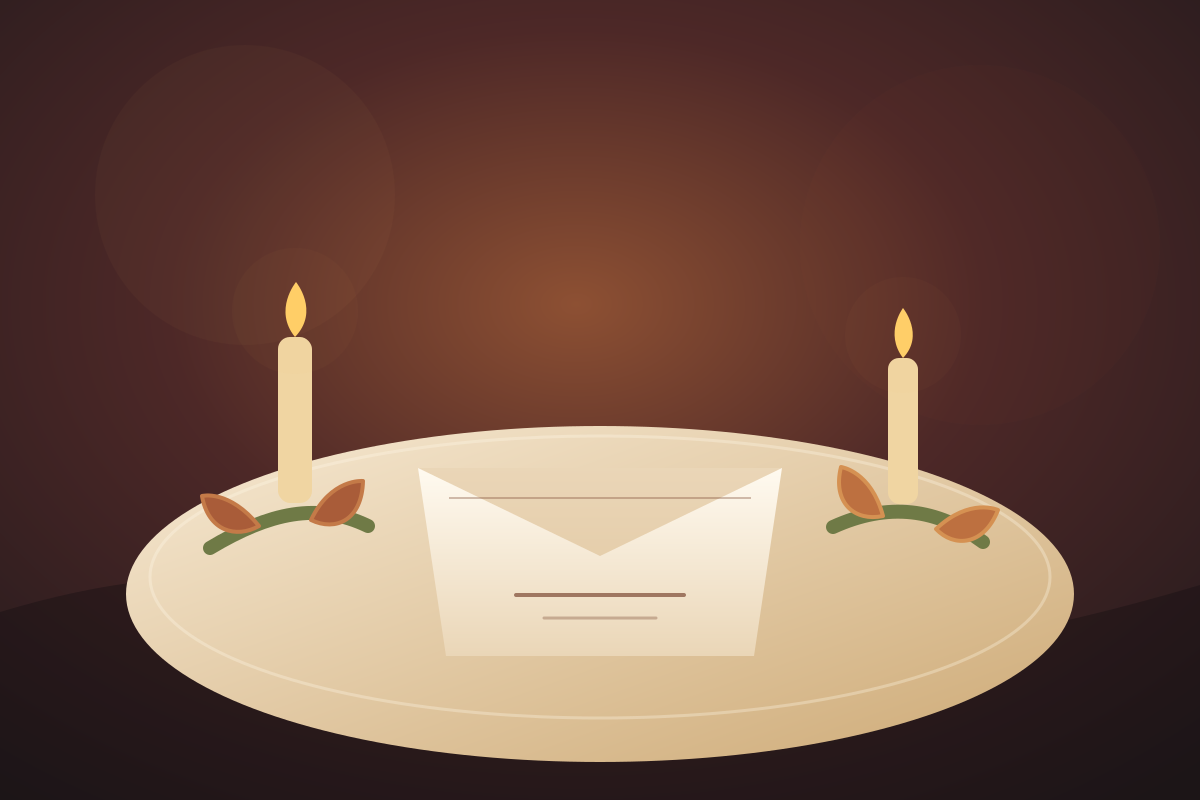 Celebrate & revealThanksgiving wishesGratitude-table reveal
 Invite & keepA sincere apologyMended-note progression
Good to know
Questions before you begin
Clear answers, so the meaningful part can stay simple.
Do I need an account to create and publish?
No. You can create, preview, and publish the core experience as a guest. Sign in only when durable saving, account controls, or a photo would help.
Does the recipient need to sign in or install an app?
No. They open the private link or scan the QR in their browser and complete the full experience there.
Can I see the experience before I share it?
Yes. Preview and replay the complete phone-first recipient journey before publishing.
Which experiences can collect a response?
Valentine, bridesmaid, prom, date, and event experiences support typed private choices. The recipient is told what the creator can see before submitting.
How private is the link?
It is a high-entropy, unlisted link kept out of search, sitemaps, and public galleries. Anyone who receives it can open it, so share it only with the intended person.
Your moment starts here
Choose the opening. Add what only you can say.
Preview everything, then share only when it feels exactly right.