





Valentine idea
Ask “will you be my Valentine?” with care.
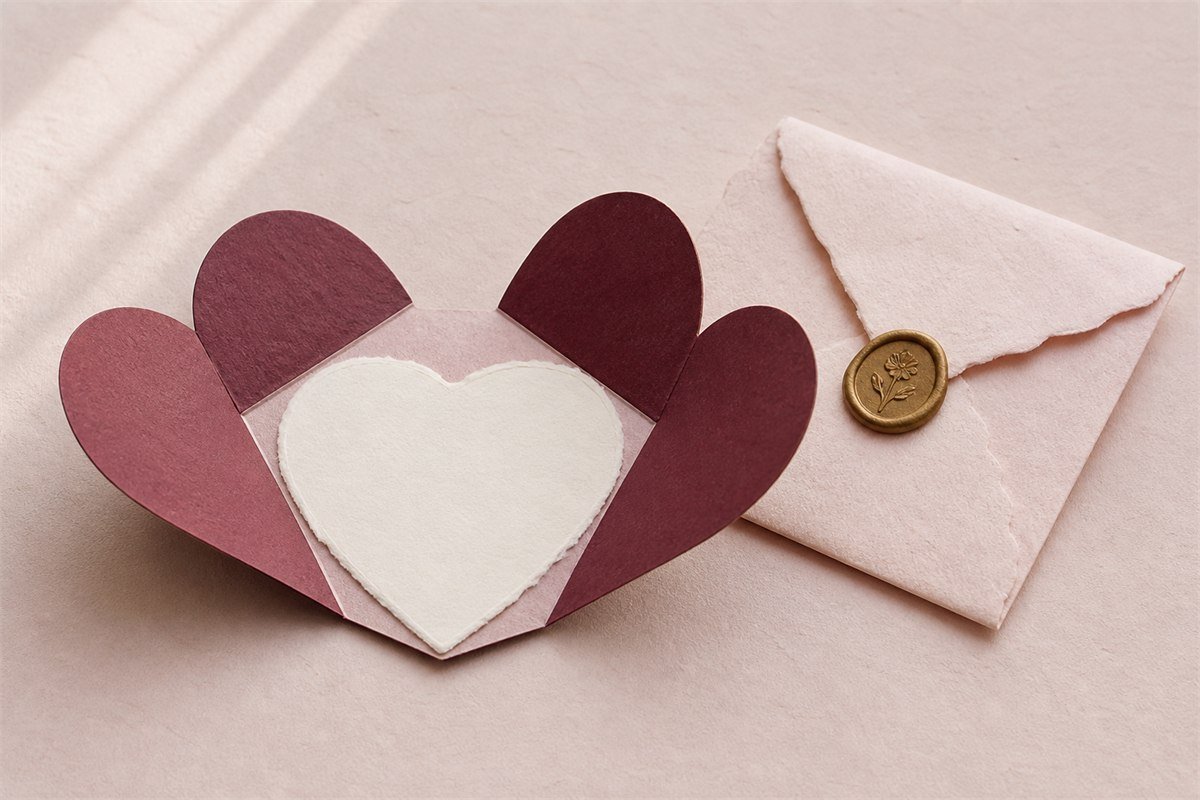
A playful paper-heart opening can make a personal Valentine ask feel special while keeping the recipient’s response private and easy to understand.
- Preview before sharing
- Private link + QR
- No app for recipients
Why this format
A sweet ask should still be easy to answer honestly.
The Valentine proposal shows clear response choices and does not turn a personal answer into a public performance.
The words people use
Make a Will you be my Valentine website that sounds like you.
The page gives the question a playful opening without making the answer public. The proposal format can also support a personal “Will you be my girlfriend?” ask when that is the moment you want to create.
Hands-on product example
A simple question with a playful opening
This guide is for shaping the actual ask: warm wording, one clear Valentine question, and choices that never hide or move away.
Recipient name, personal reason, question-card reveal, and stable answer controls.
The recipient understands the question immediately and can answer honestly, including with reduced motion.
Embedded recipient demo
Try the valentine proposal before you create.
This live preview uses synthetic names, messages, and media. Open it here to check the recipient pacing, or use the full-screen link for a phone-sized test.
- No recipient account or app
- No real customer content
- Keyboard and reduced-motion friendly
A clear path
Make it personal, then make the handoff easy.
Every YoursToOpen experience is designed for the recipient’s phone and shown in full before you share it.
- 01
Choose the Valentine proposal
Use the question-card reveal for a focused, playful opening.
- 02
Write the words in your voice
Keep the message personal and make the invitation easy to understand.
- 03
Preview before sending
Check both the opening and the private response path before you share it.
Plan before you publish
Make your Will you be my Valentine website clear, personal, and easy to open.
Use this checklist to improve the message, recipient experience, and handoff before you share a private link or print a QR.
Write one honest reason
A Will you be my Valentine website feels personal when the message names a real quality, memory, or hope instead of relying on a copied line.
Keep yes and no equally clear
Playful motion belongs around the question, never around consent. Both answer controls stay readable, stable, and available with reduced motion.
Preview the complete ask
Check the recipient name, message, response labels, and final state on a phone before sharing the private Valentine link.
Choose the delivery route
| Route | Best fit | Check before sending |
|---|---|---|
| Private link | Distance, fast delivery, or a direct message | Use a recognizable sender and preview the full phone experience. |
| QR on a card | A gift, invitation, keepsake, or planned in-person handoff | Explain the scan, protect contrast and clear space, then test the print. |
| Link and QR | A physical handoff with a digital fallback | Confirm both routes open the same current private experience. |
Complete the final review
A final review protects the personal details, reduces avoidable confusion, and helps the recipient understand who sent the experience, why it arrived, and what happens next. Save the final wording separately when you want a personal record after the private experience expires or is deleted. Keep a copy of the tested fallback URL.
- Read every word as the recipient. Check the name, question, dates, places, response labels, and closing. Remove copied phrases which do not sound like you.
- Open the preview at phone size. Increase text size, use the keyboard, and reduce motion. The message and answer path should remain complete.
- Check the sharing boundary. Remove details which do not need to travel with the link. Use a personal photo only with permission.
- Test each route. Open the direct link and scan the finished QR. Confirm both lead to the same current experience without an account or app.
- Choose a calm delivery moment. Add sender context, avoid public pressure, and give the recipient enough time to read or answer in private.
Use the paper card for the personal first line and let the QR open the playful heart reveal and clear response controls.
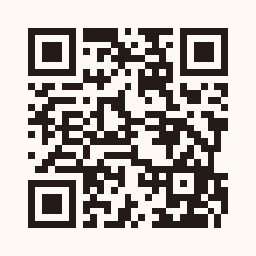 Scan to open the synthetic recipient demo
QR-on-card and printing guidance
A Valentine card that keeps the answer private.
Treat the QR as part of the physical handoff: explain what it opens, preserve a clean scan area, and test the finished piece rather than only the design file.
- Place it deliberately.Inside the card after the message, never hidden beneath a seal or placed where opening the card can damage it.
- Protect scan size and contrast.Aim for at least 30 mm (about 1.2 in) square on a hand-held card, preserve the clear border, and keep dark modules on a light background.
- Choose the surface for the moment.Matte white or pale stock gives the dark modules enough contrast without making the card feel technical.
- Test the finished piece.Scan the final proof at normal distance on both iPhone and Android, then keep the direct private link available as a fallback.
Questions people ask
Helpful answers before you create.
These answers describe the real YoursToOpen experience and are also reflected in the page’s structured data.
How do I make a “Will you be my Valentine?” website?
Choose the Valentine experience, add the recipient name and your personal message, preview the paper-heart opening and response choices, then share the private link.
Is this a Valentine yes-or-no website?
It includes clear response choices, but the ask stays respectful and private. Optional playful motion never removes the stable way to answer.
Does my Valentine need an account to respond?
No. They open the link and respond in their browser without signing up or downloading an app.
Keep exploring
More ideas related to Will you be my Valentine website.
Compare a nearby format, then preview the complete recipient experience before deciding.
Ready when you are
Make a Will you be my Valentine website that sounds like you.
Choose the experience, preview the exact recipient journey, and publish only when it feels right.
Make a Valentine ask